How It Works
From upload to export in four simple steps. No complex setup, no learning curve.
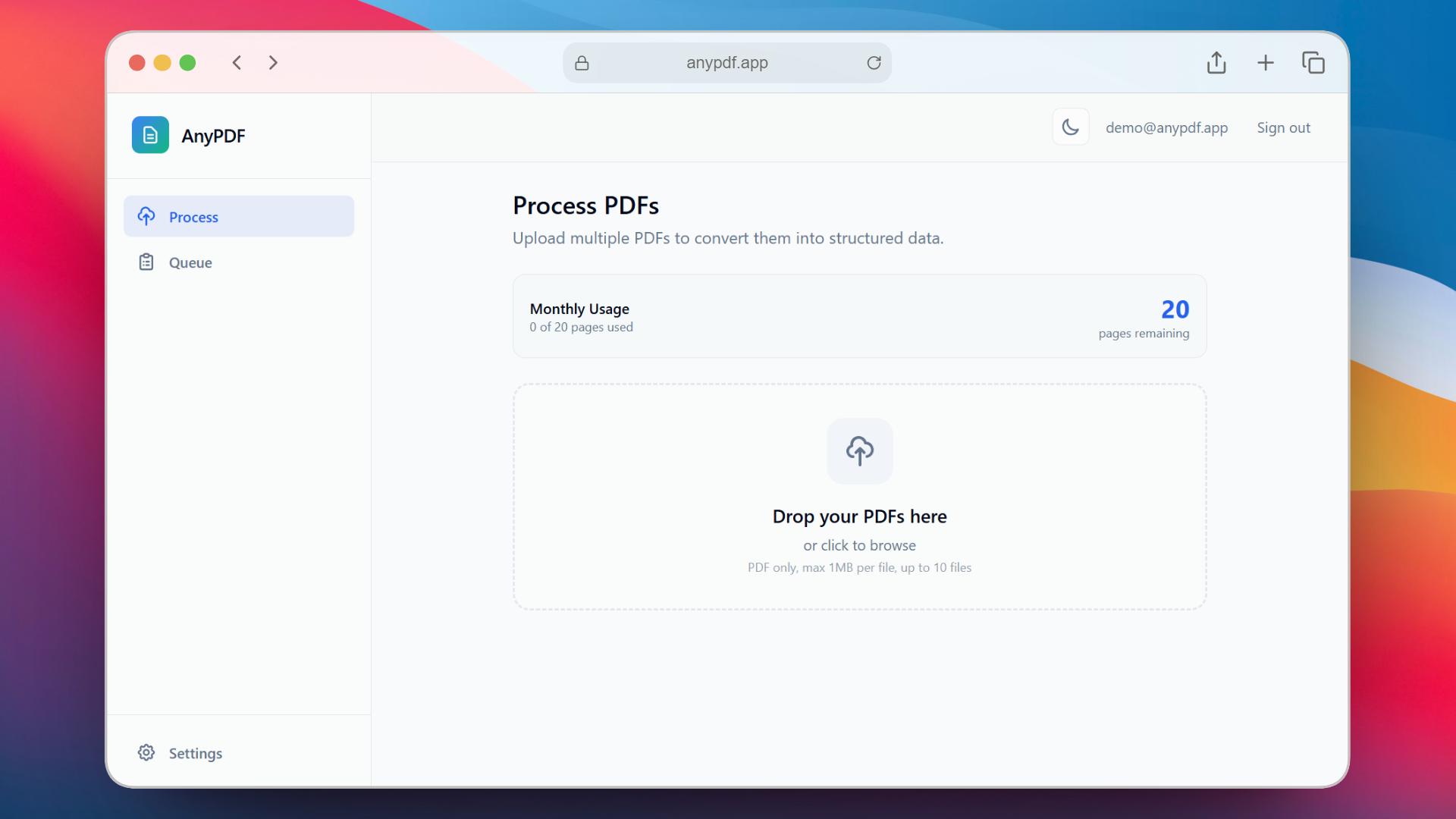
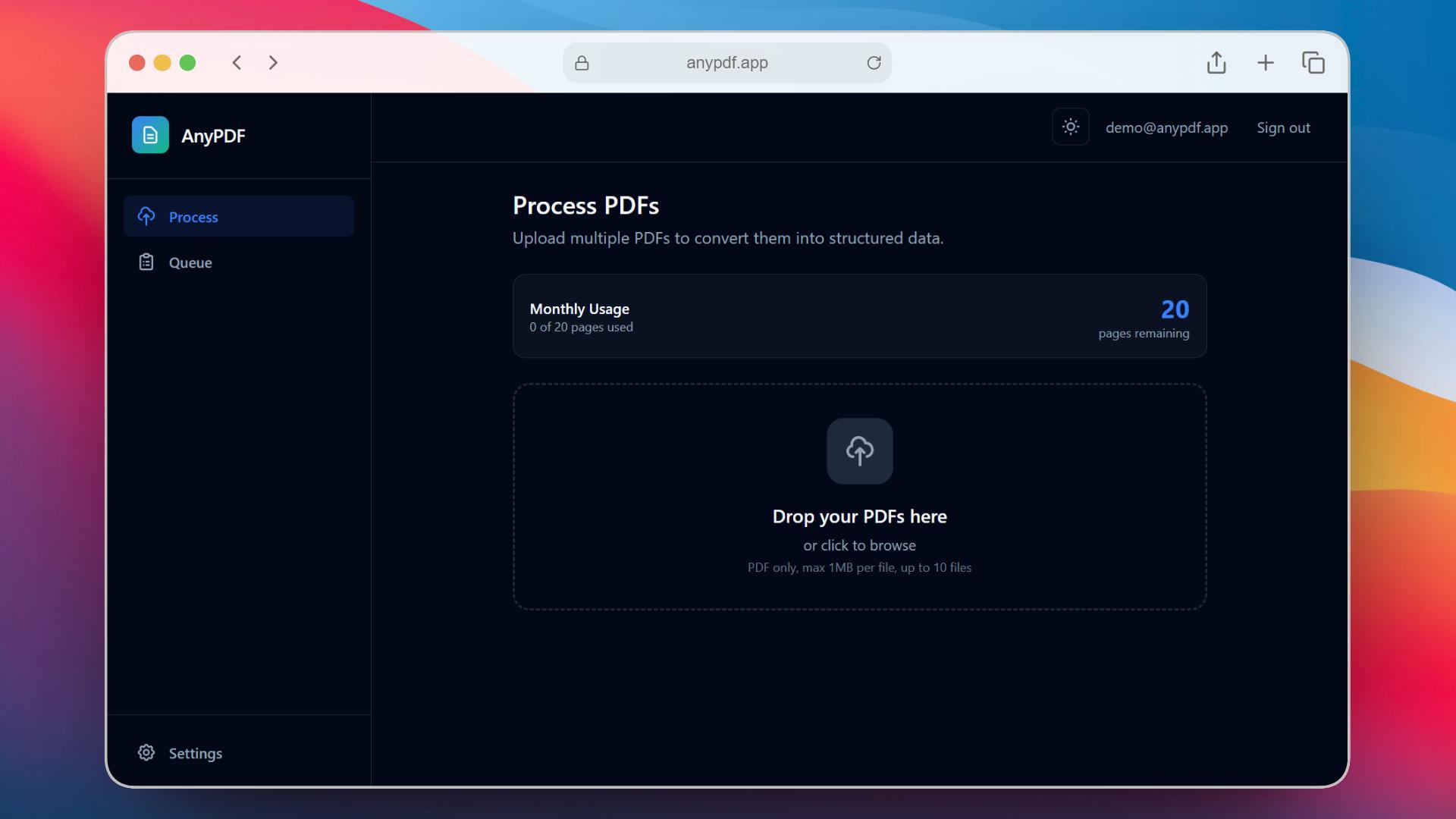
Upload Documents
Drag and drop single or multiple PDFs. We focus on bank and credit card statements for bookkeeping workflows.
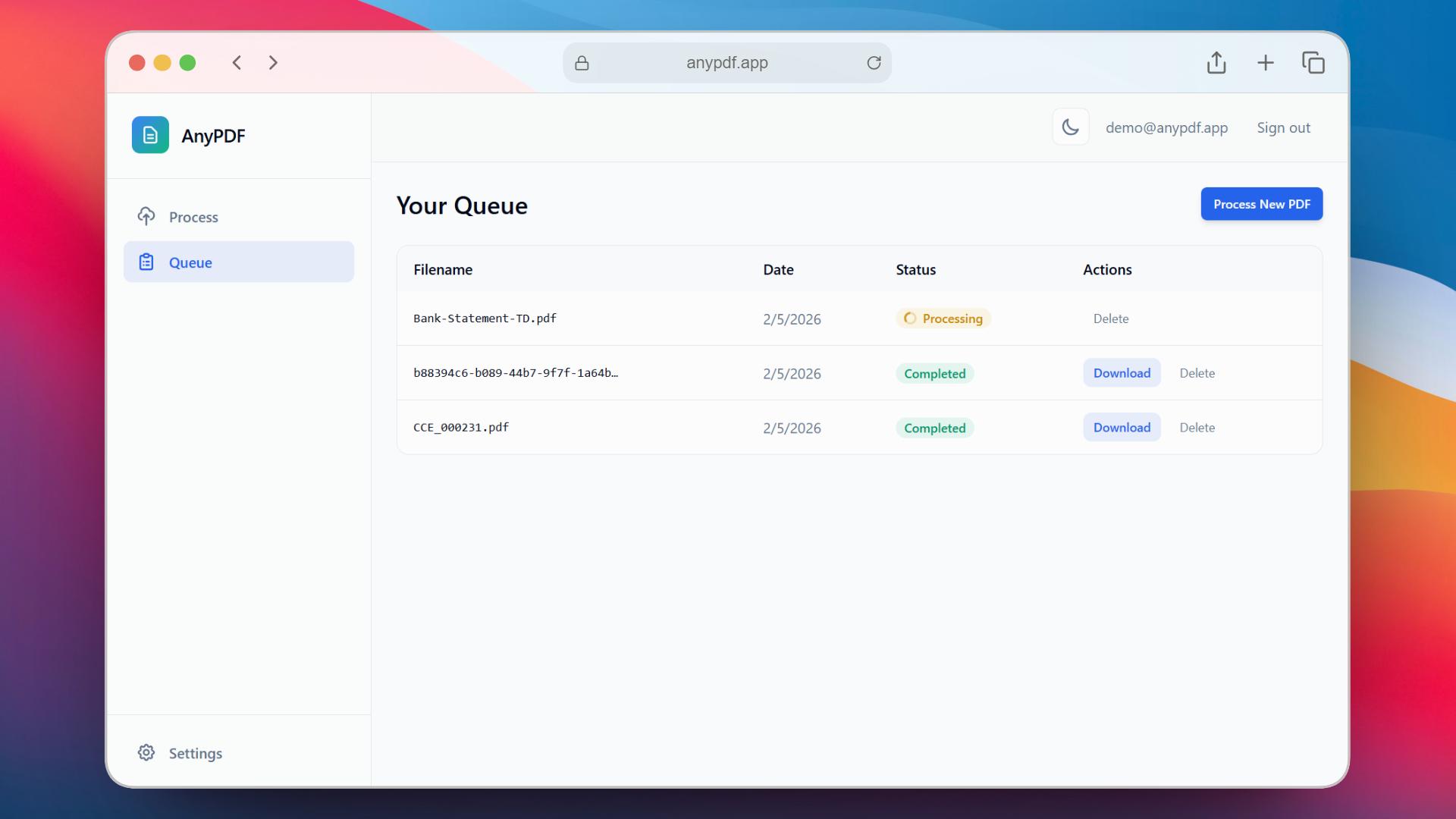
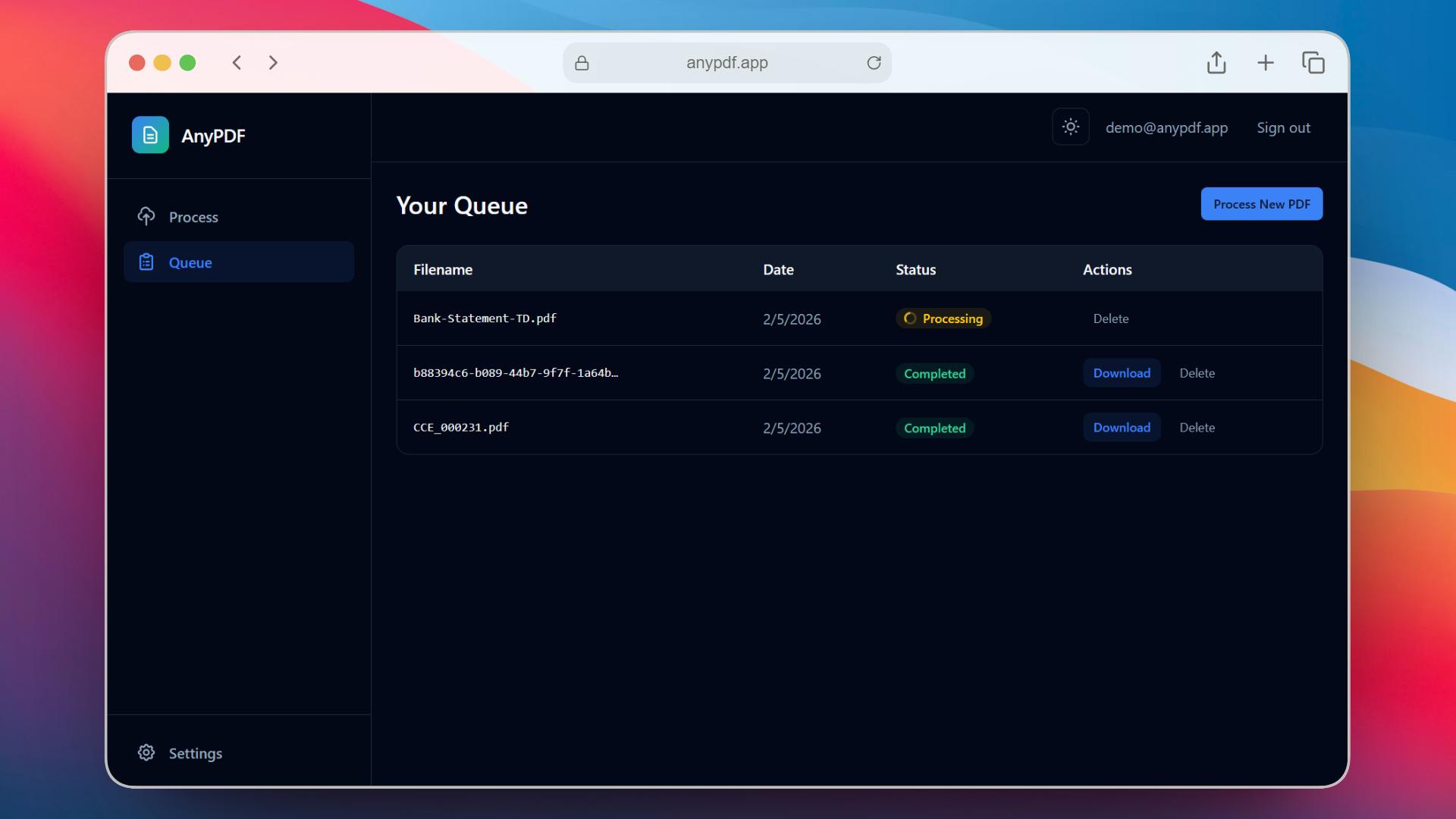
Batch Queue
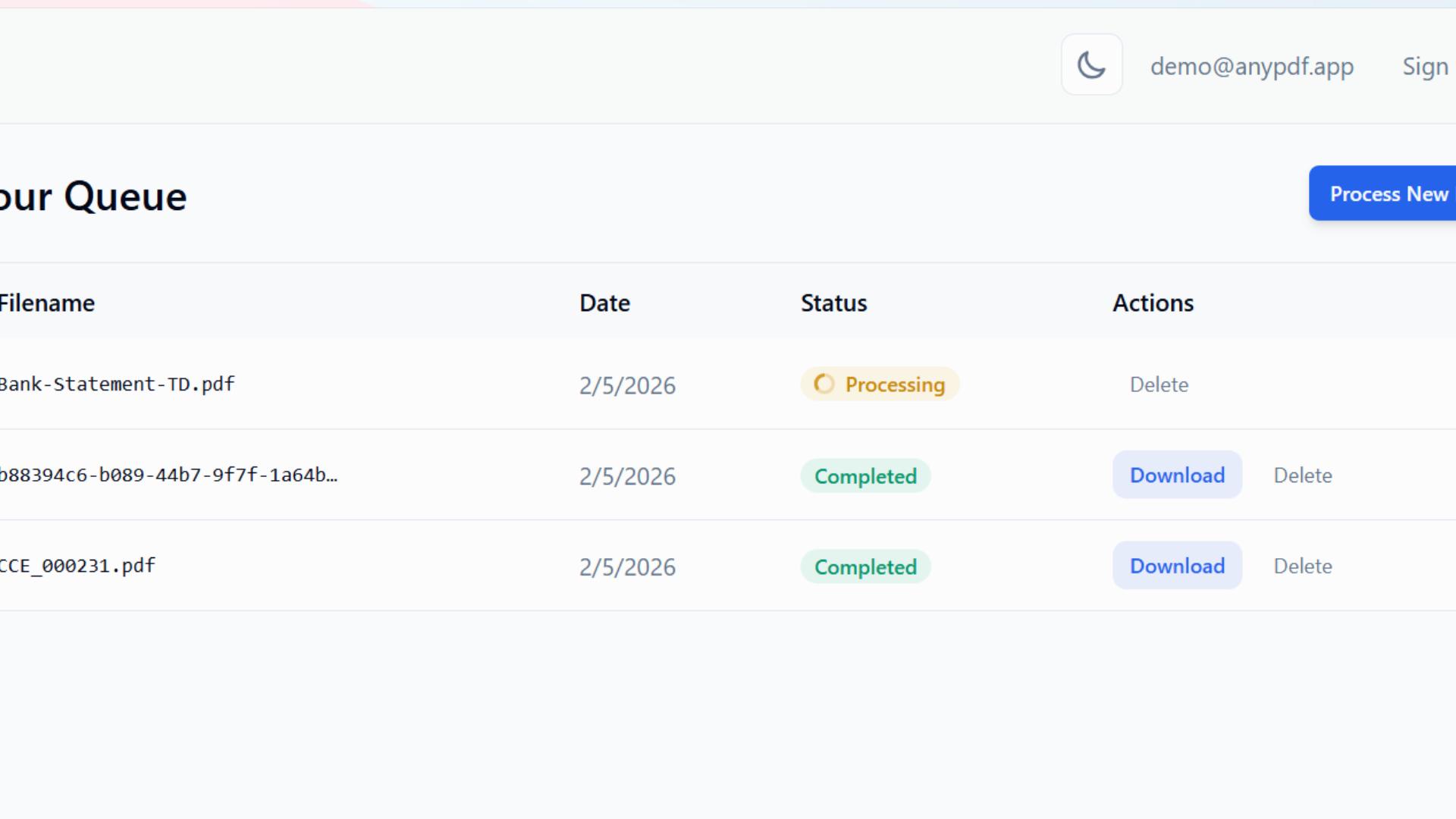
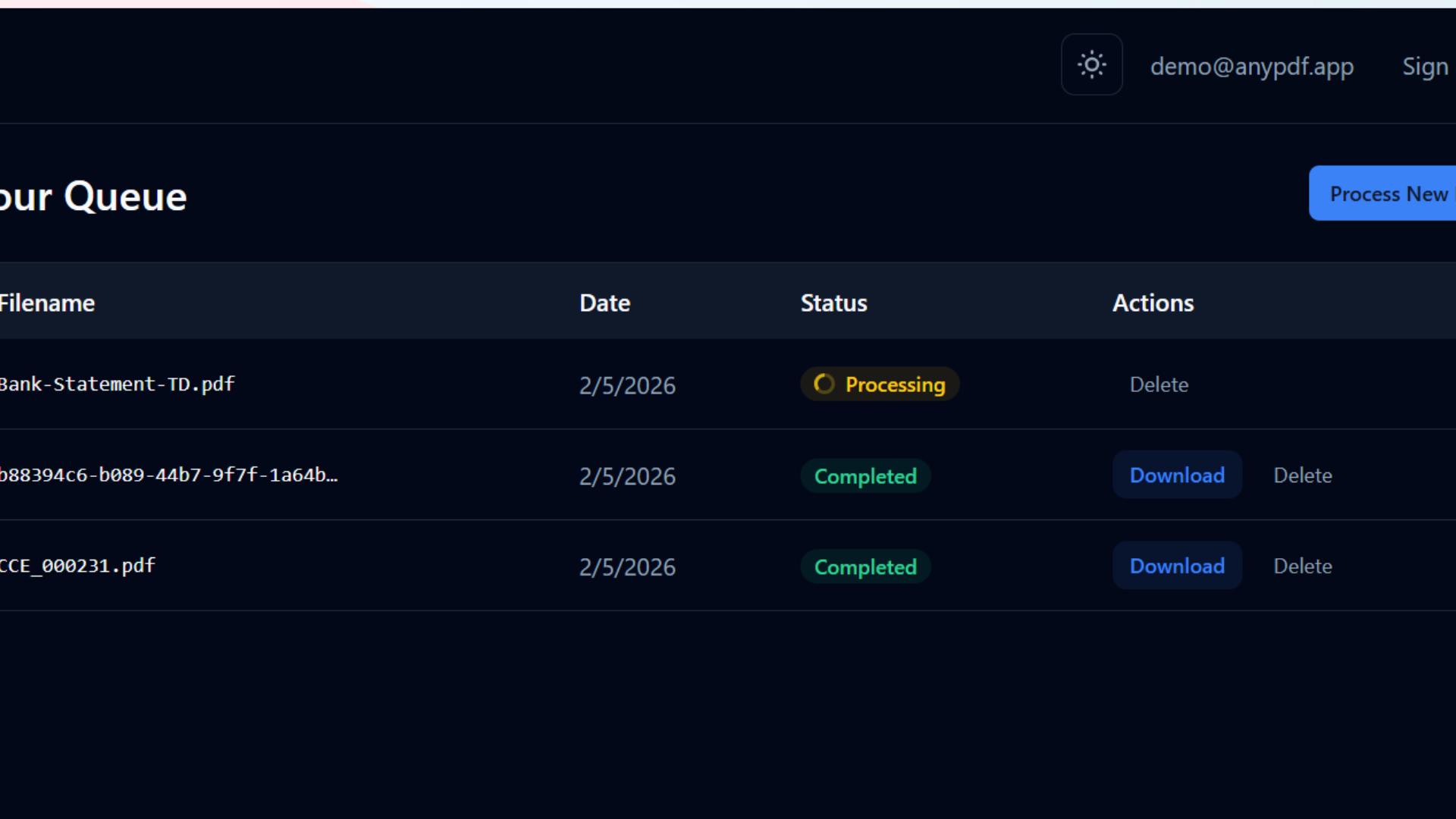
Documents queue up and process in sequence. Track the status of each file with real-time progress indicators.
AI Extraction
Our AI reads each page, detects the document type, and extracts structured data into clean columns and rows automatically.
Export Any Format
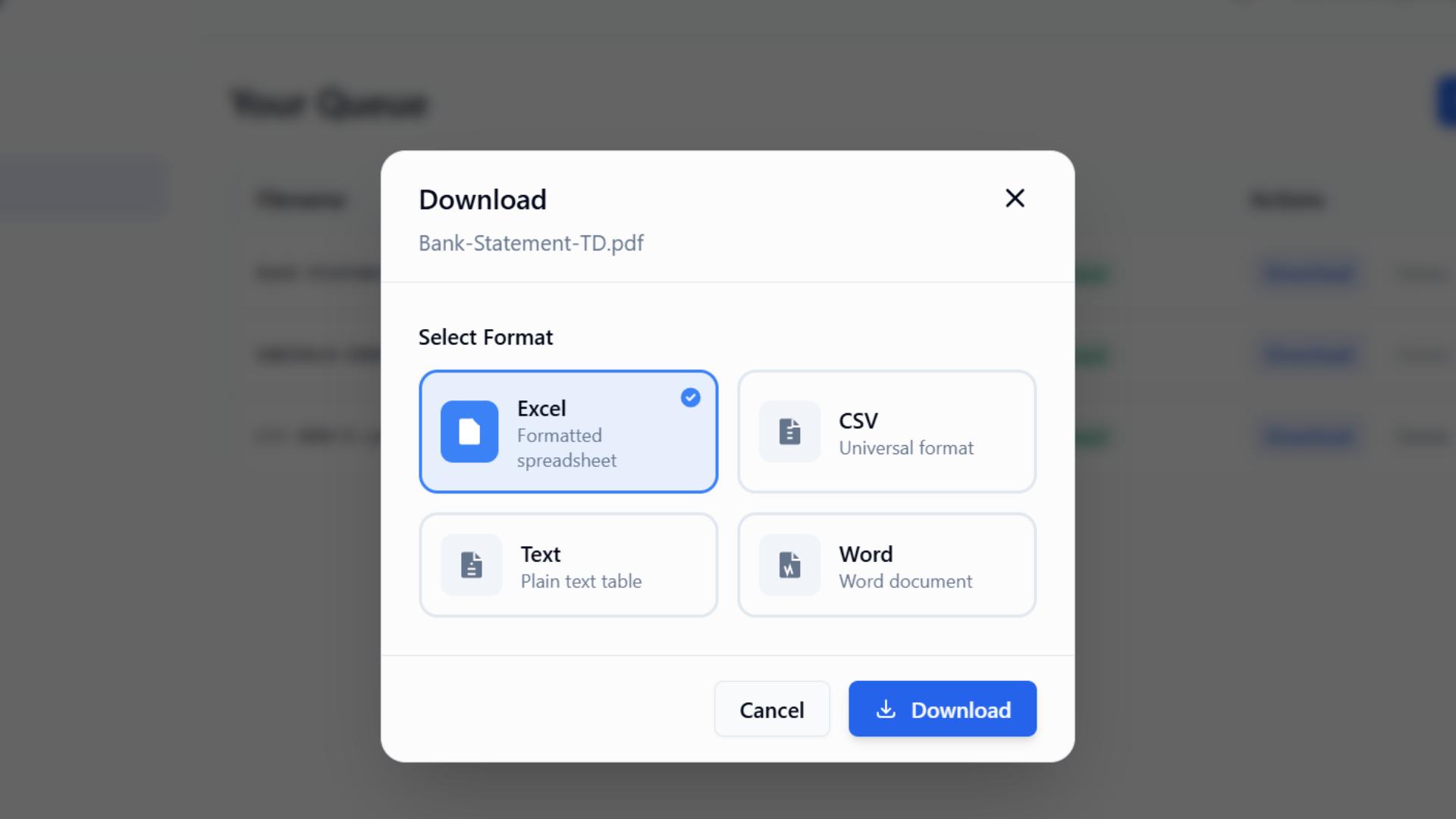
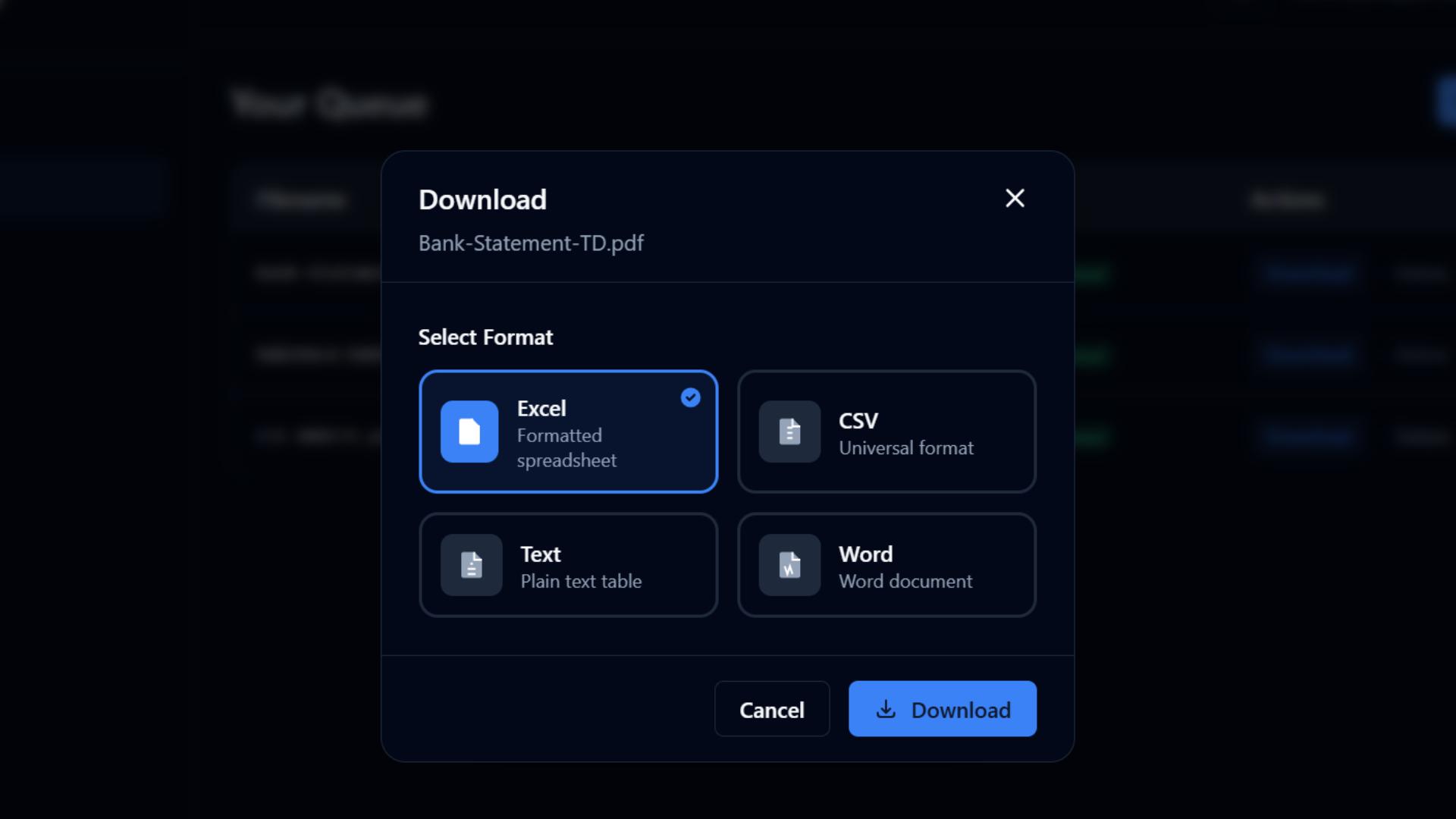
Download your data as Excel, CSV, TXT, or DOCX. CSV is ready for accounting imports and reconciliation.
Built for Statement Processing
Two extraction engines, flexible export controls, and smart AI that adapts to your documents.
Extraction Modes
Match the engine to your document
Best for digital PDFs
Clean & lightweight statements
Ideal for native PDFs from bank portals with minimal graphics. Delivers quick, accurate tables when text is selectable and layouts are simple.
Best for scans & heavy layouts
Graphic-rich or image-based statements
Use AI Enhanced for scanned PDFs, statements with logos, watermarks, or dense formatting. Vision AI reconstructs rows and columns even when text isn't selectable.
Export Control
One Sheet or Many — You Decide
Multi-page PDFs can produce a lot of data. Merge everything into a single flat table for easy analysis and import, or keep each page on its own sheet to preserve document structure.
Core Capabilities
Purpose-built for financial documents
Scanned Statement Support
Vision AI reads paper statements, photos, and faxes. No selectable text needed — it reads the page visually.
Smart Column Detection
AI identifies your document type and generates appropriate columns automatically. No manual setup.
Any Bank, Any Card Issuer
Works with Chase, Bank of America, Amex, Capital One, and hundreds more. No templates or configuration.
Accounting-Ready Output
Extracted data maps to QuickBooks, Xero, and other platforms. Dates, descriptions, and amounts in clean columns.
Your Documents, Your Privacy
We handle sensitive financial data with the security it deserves.
Auto-Delete in 7 Days
Your files are automatically deleted after 7 days. Deactivated accounts are fully purged — conversions, API keys, and payment data — within 30 days.
Encrypted & Isolated
All data transfers are encrypted over HTTPS. Files are stored on enterprise-grade cloud infrastructure with strict security headers enforced on every request.
No Data Sharing
Your documents are never shared with third parties. Processing happens in isolated environments with no data retention beyond the deletion window.
Simple, Transparent Pricing
Start free. Upgrade when you need more pages or larger files.
Enterprise
- 6,000 pages/month
- 100MB max file size
- All export formats
- Priority support
- Team collaboration
- Pay-as-you-go option
Frequently Asked Questions
Everything you need to know about AnyPDF.
AnyPDF focuses on bank and credit card statements. The AI adapts to different issuer layouts automatically, including scanned PDFs.
Our vision AI models achieve high accuracy on most document types. You can always preview the extracted data before downloading to verify the results match your expectations.
Yes. Files are stored on enterprise-grade cloud infrastructure and automatically deleted after 7 days. All transfers use HTTPS encryption with strict security headers (CSP, X-Frame-Options, XSS protection) enforced on every request. We never share your data with third parties. Deactivated accounts are fully purged within 30 days.
You can export to Excel (.xlsx), CSV, plain text (.txt), or Word (.docx). CSV is the most common choice for accounting imports.
Yes. When downloading, you can toggle "Merge pages" on or off. Merged mode combines all extracted data into one flat table — great for analysis and importing into accounting software. Separated mode puts each page on its own sheet, preserving the original document structure.
Without an account you can process up to 5 pages total with a 2MB max file size — great for a quick test. Free accounts get 10 pages per month with a 2MB file size limit. Paid plans range up to 6,000 pages per month and support file sizes up to 50MB per document. All uploaded files are automatically deleted after 7 days. Check our pricing for full details.
No account is needed to try AnyPDF — you can convert up to 5 pages instantly with a 2MB file size limit. Creating a free account gives you 10 pages per month, conversion history, a processing queue, and batch uploads.
Plans differ in monthly page limits, maximum file sizes, and team features. All plans include every export format and AI-powered extraction. Enterprise adds team collaboration and higher limits.
Yes! With a free or paid account, you can upload multiple PDFs and they will be queued and processed in sequence. Track the progress of each file from your dashboard.
Stay Updated
Get notified about new features, format support, and improvements.